4th Grade Exploration with
Digital Portraits
Using Sketchbook App.
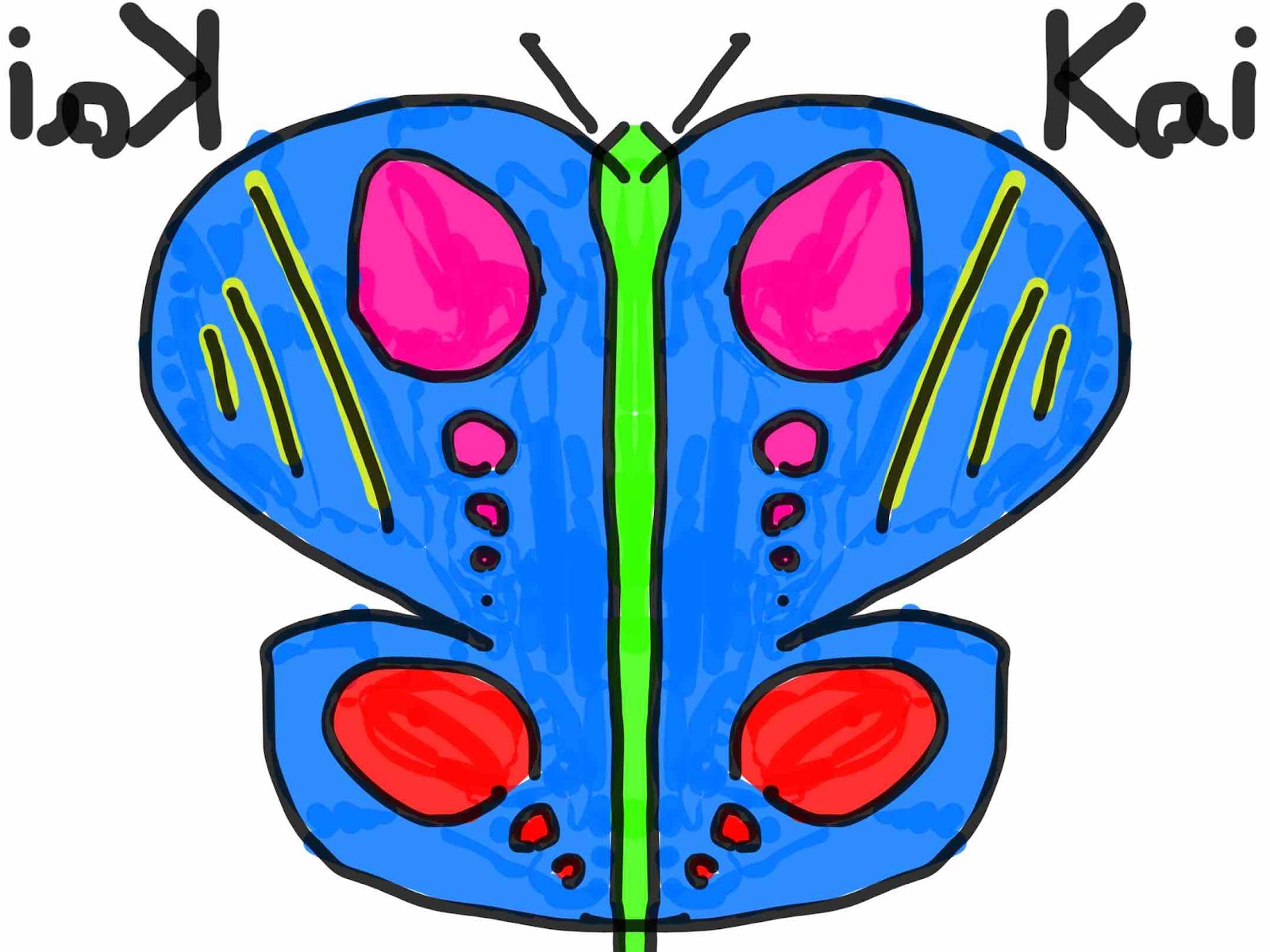
4th Grade students have been developing a range of digital art skills using their iPads. The primary applications they utilize include Stop Motion, iMovie, and Sketchbook. Throughout the unit, students often integrate multiple apps to enhance and expand their creative work.
Instruction began with foundational techniques in Sketchbook, allowing students to build confidence with digital drawing tools. Students then progressed to creating short animated projects using the Stop Motion app. Following this, they learned to use iMovie to enhance their animations by incorporating sound elements such as music, voiceovers, and sound effects.
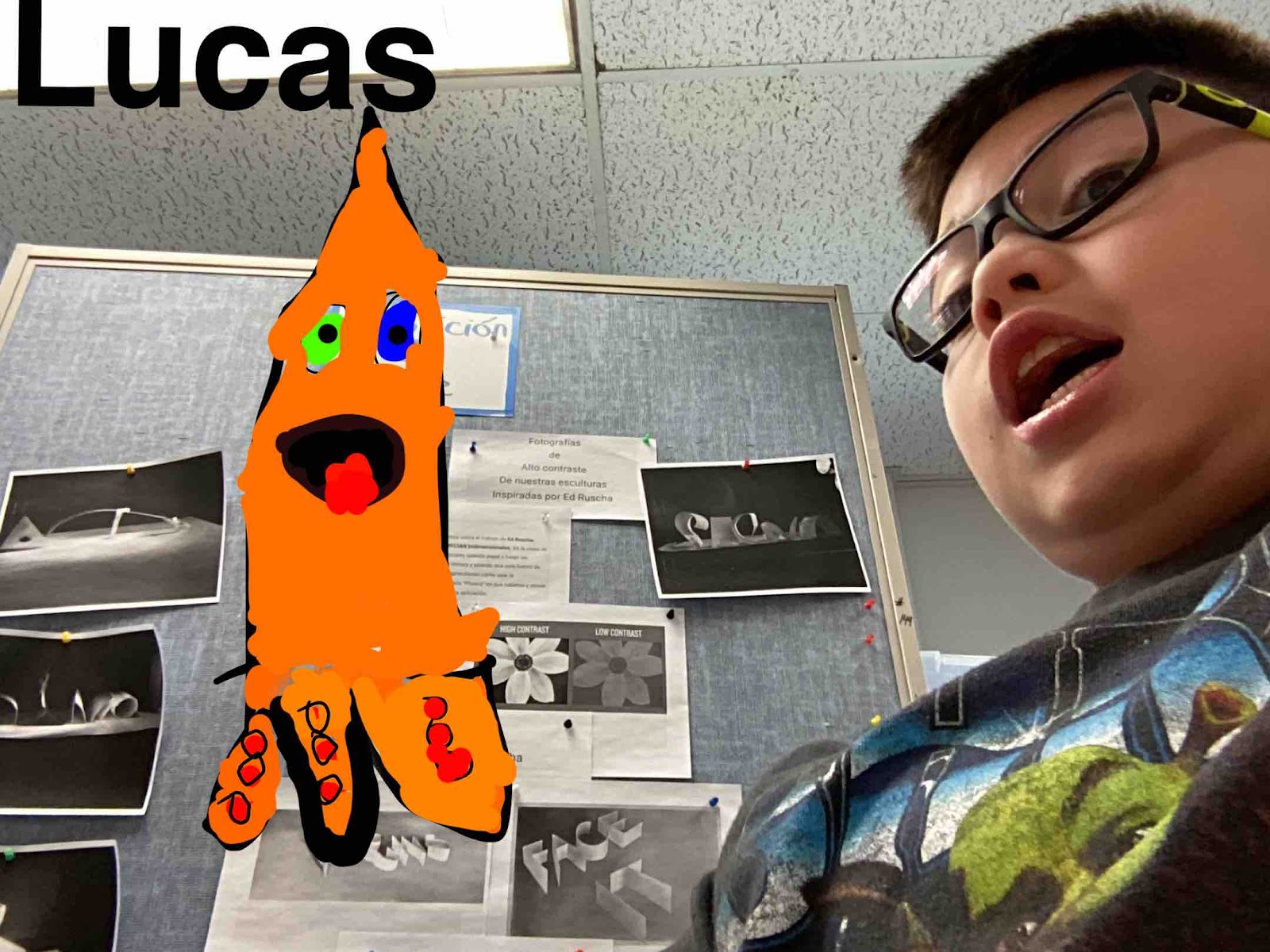
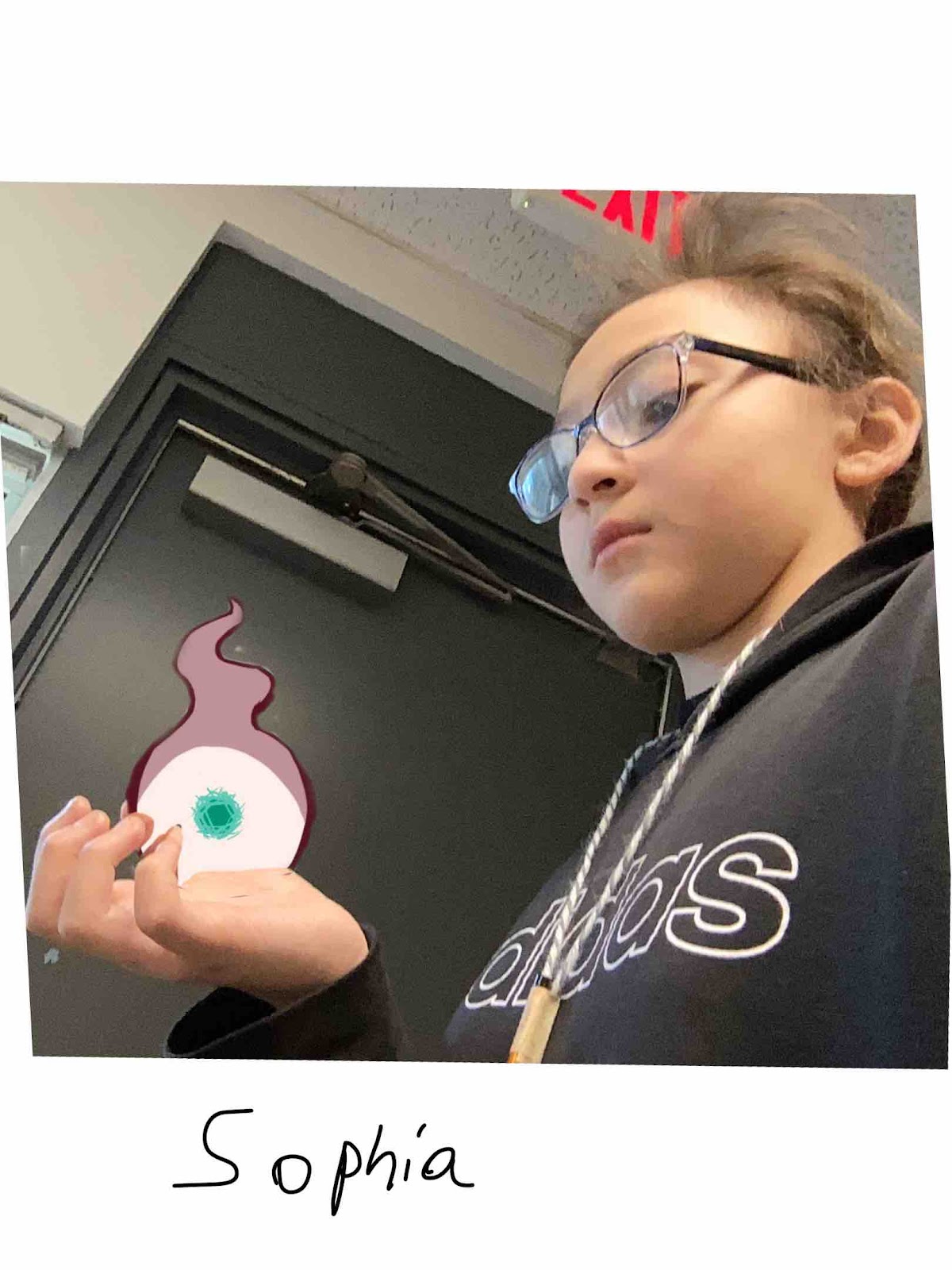
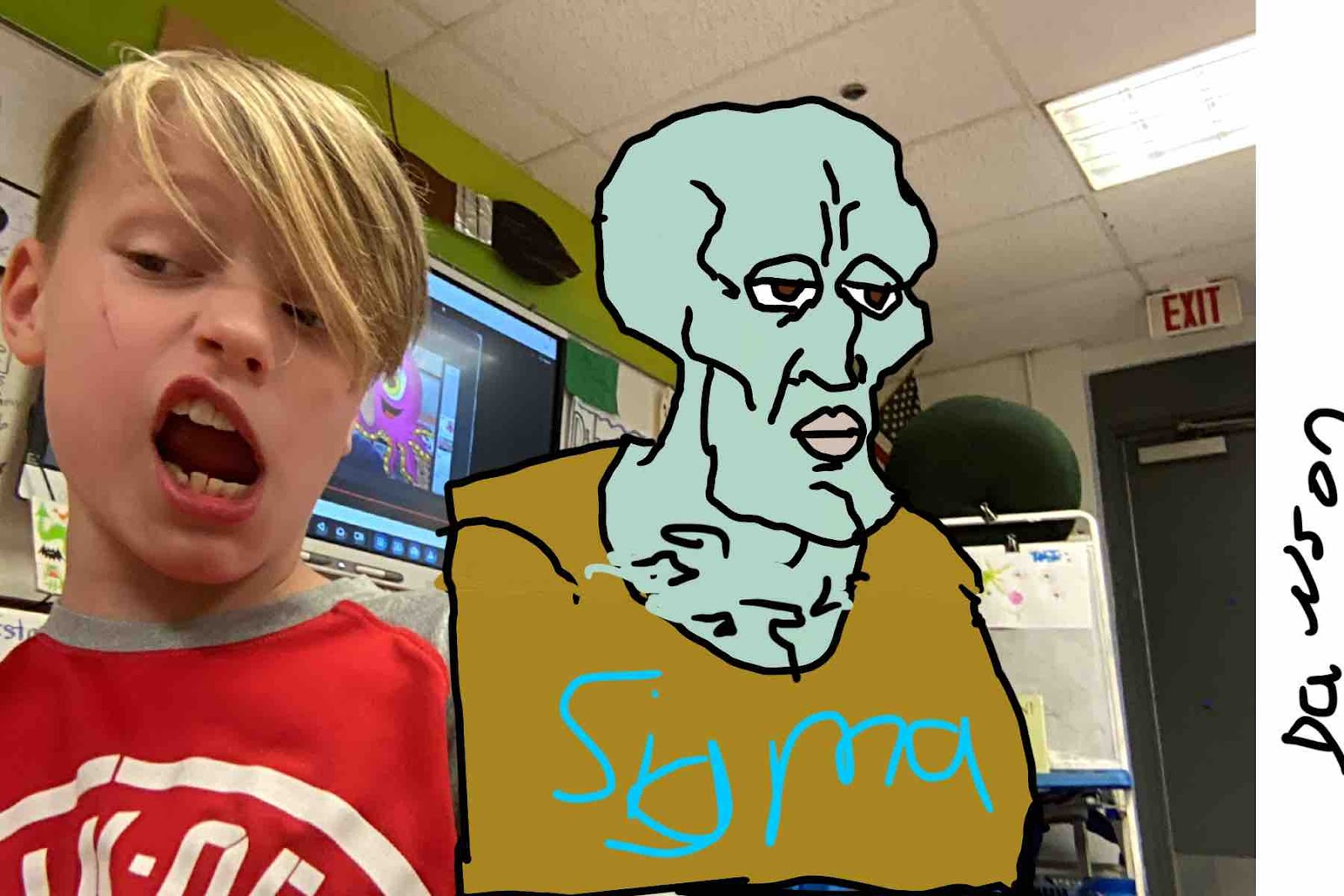
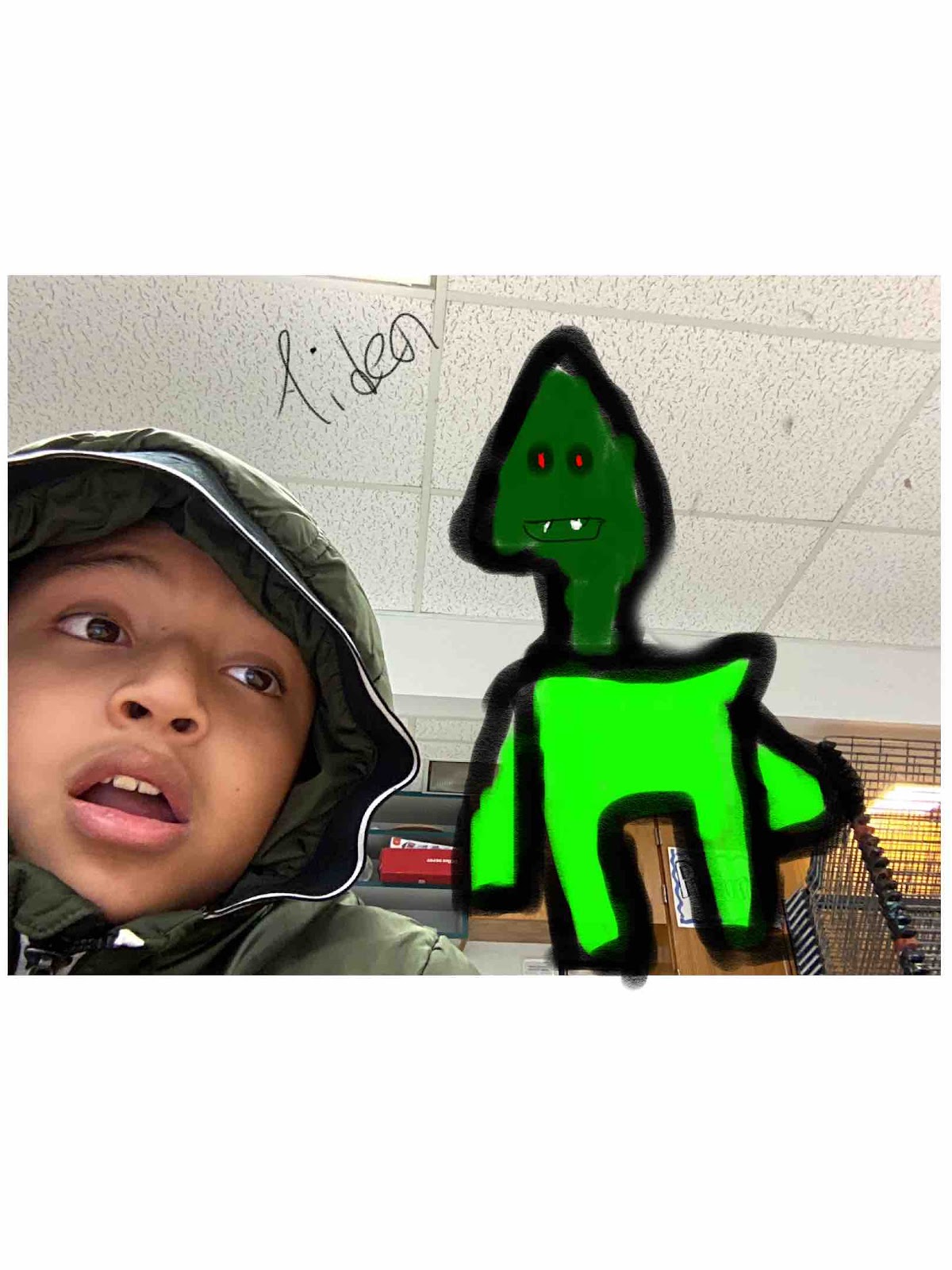
For this particular activity, students either photographed themselves or selected an image of someone they admire. Using Sketchbook, they applied newly acquired skills to draw and develop a likeness of their chosen subject.
As this is a choice-based art class, students were provided with an open-ended prompt, encouraging them to create personally meaningful work while fostering engagement, creativity, and individual expression.